Submitting a lookup
Last updated 16 July 2026
Submitting a lookup
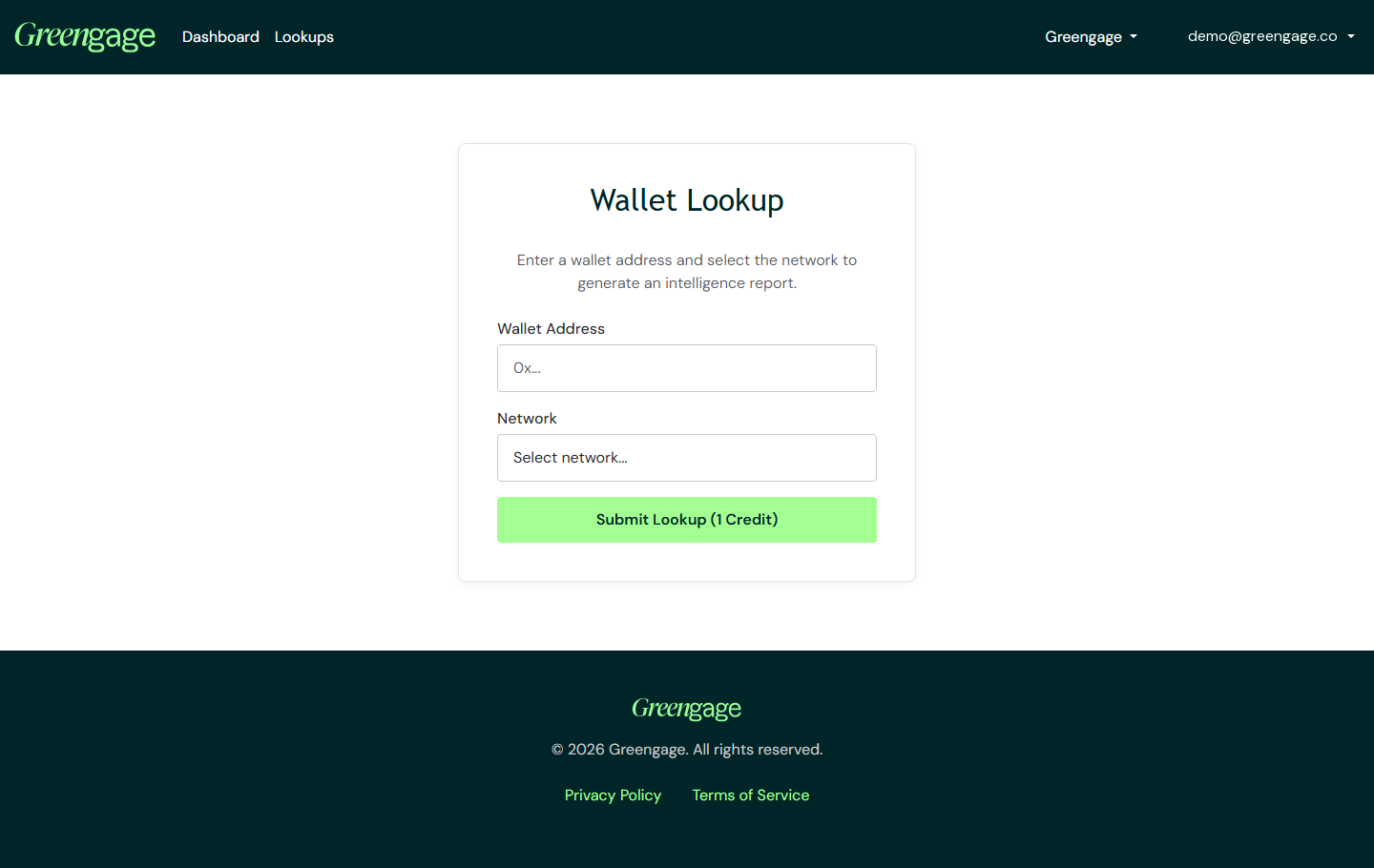
Open New Lookup to go to the Wallet Lookup page.
Fill in the form
- Wallet Address — paste the address you want to check.
- Network — choose which blockchain the address is on. See Supported networks and credits for the full list.
Select Submit Lookup (1 Credit) to run the lookup. Every lookup costs one credit, taken from your workspace's shared balance, whichever network you chose.
If you're out of credits
If your workspace doesn't have enough credits, submitting shows the message "Insufficient credits. Please purchase more credits to submit lookups." and no credit is taken. Top up from Buy Credits and try again.
Who can submit a lookup
Any member with the User or Admin role can submit a lookup, and so can any personal workspace owner — this works identically whichever type of workspace you're in.
Once it's running, your lookup moves to your lookup history, and when it's complete you can open the risk report.