Your dashboard
Last updated 16 July 2026
Your dashboard
The dashboard is the first screen you see after signing in. It gives you an at-a-glance view of your workspace and quick links to everything you do most often.
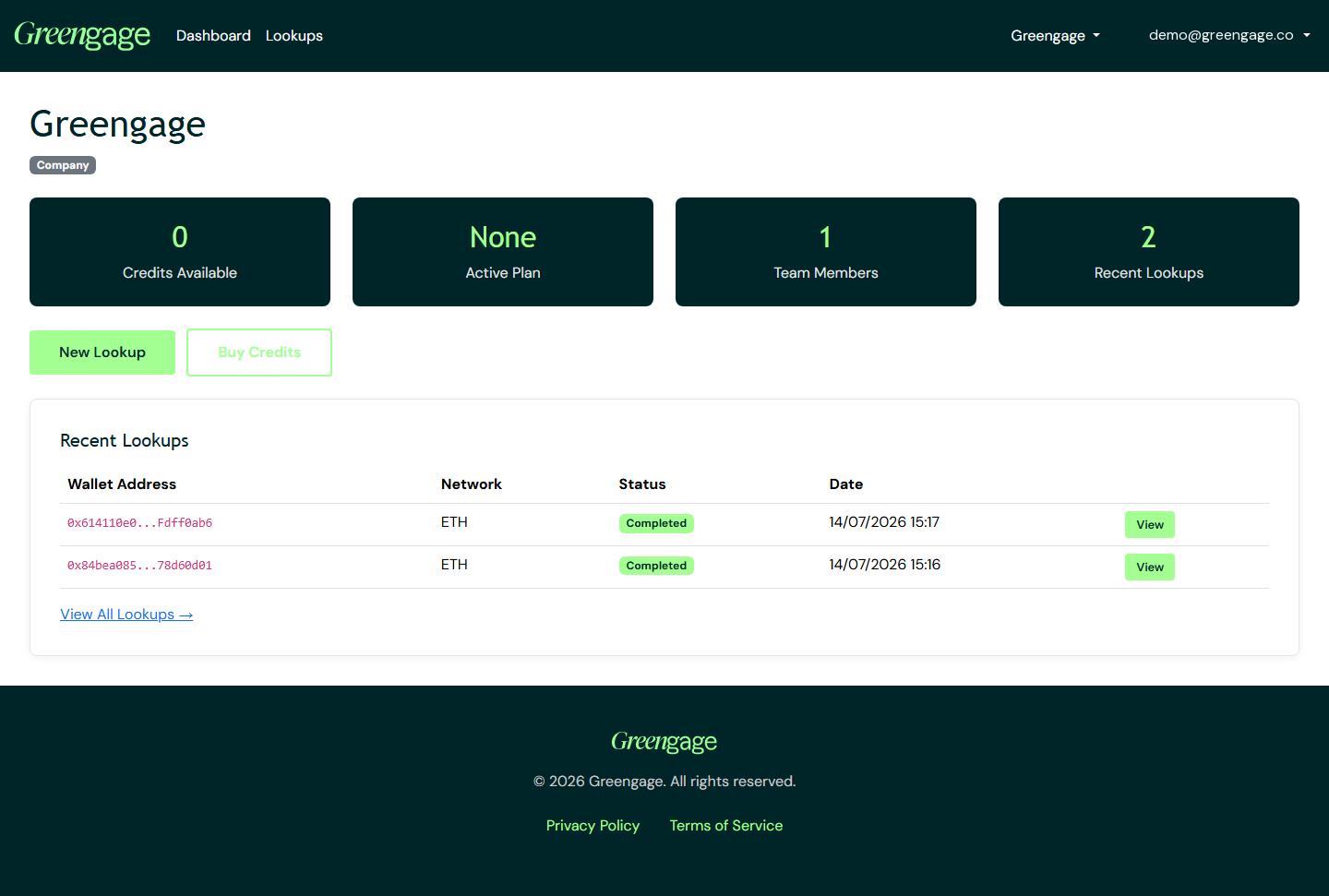
The four cards
- Credits Available — how many lookup credits your workspace has left.
- Active Plan — your current subscription, or a prompt to choose one.
- Team Members — how many people are in the workspace.
- Recent Lookups — how many wallet lookups you have run recently.
Some cards are links only when your role allows it — for example, only members with the Finance role can open billing from the Active Plan card.
Quick actions
Use New Lookup to check a wallet address, or Buy Credits to top up. Below the cards, a table shows your most recent lookups with their status and a link to each result.
Personal accounts: the Team Members card always shows 1 and is not a link — a personal workspace is just you. See Personal vs company accounts.